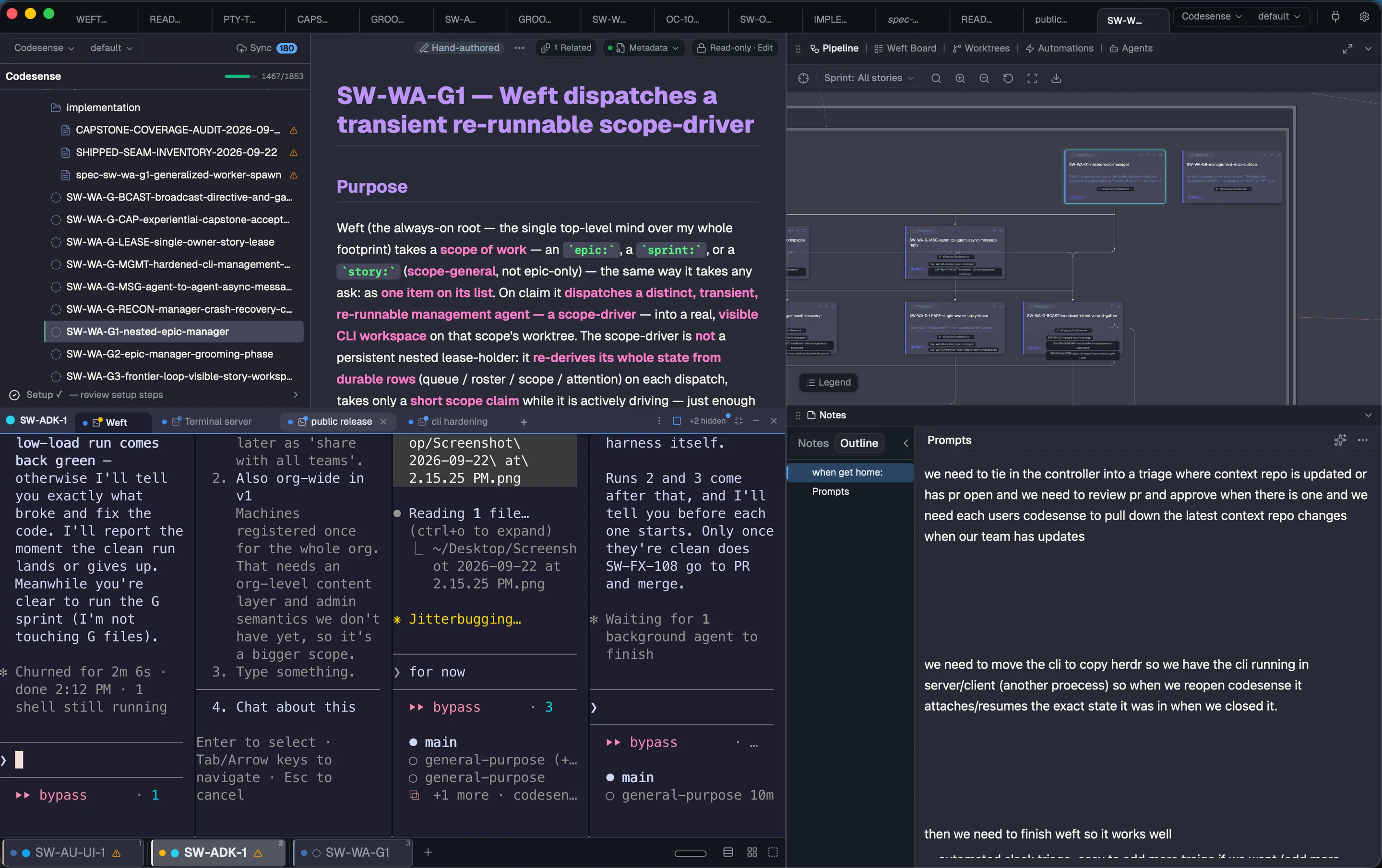
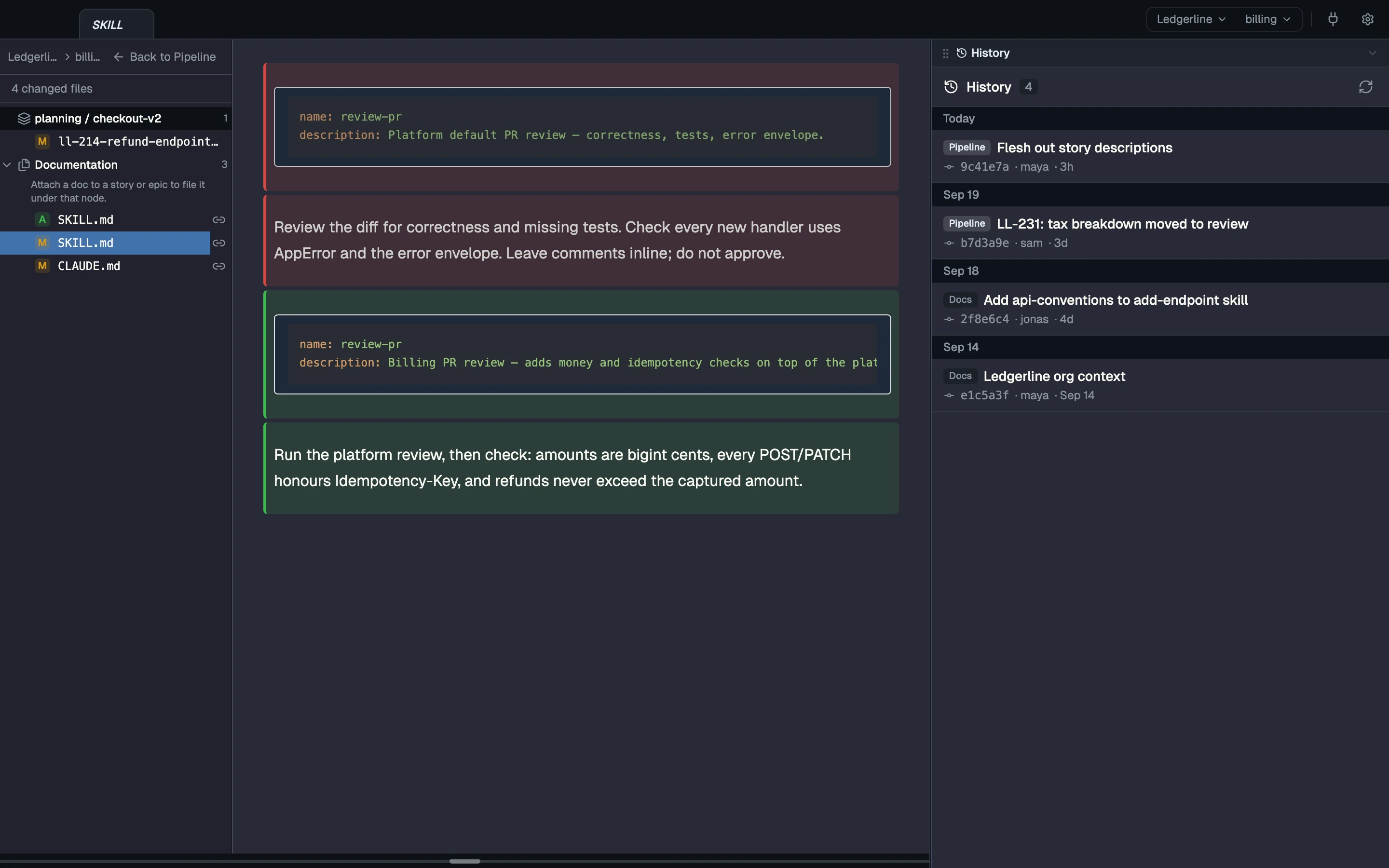
Available nowShipped, and it works on a fresh install with the default settings.

Your backlog and your sprint, from files you own.

Ask your agent to break an epic into stories, and they arrive as markdown or HTML files in your git.

CodeSense links dependencies across every epic, shows what's ready, and keeps one plan across all your repos. A board is a pane you build that queries your stories.

Edit any story in any editor. There's nothing to import and nothing to sync by hand.

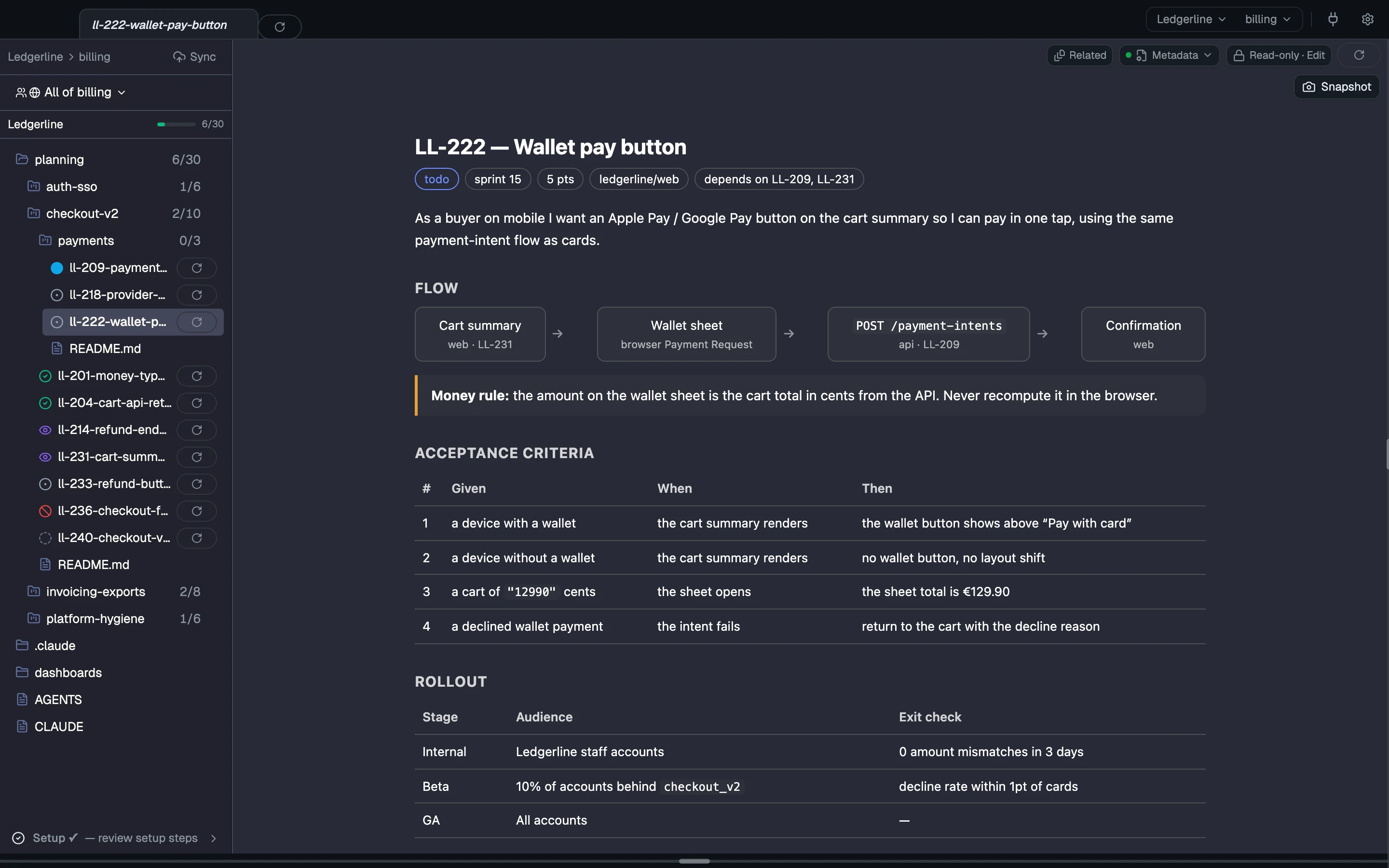
A story written as HTML, a wallet pay button, rendered in CodeSense with a flow diagram and acceptance-criteria and rollout tables, beside the epic tree with each story's status.
Real CodeSense UI · sample project An HTML story, rendered in the app beside its epic tree.

How it goes

From the moment it starts to done. Each flow carries its own label.

Groom and see

Available now
  1. Write You or your agent write stories as files.
  2. Ready The nav shows which stories are ready, and epics nest.
  3. Sprint Tag stories into a sprint; it spans your repos.
  4. Open Open any story in its own worktree.

A story is a file. Its frontmatter sets its status, dependencies and sprint.

File epics/checkout-v2/ LL-231-cart-tax.md Markdown
---
type: story
story_id: LL-231
title: Cart summary tax breakdown
status: review
source_repo: ledgerline/web
depends_on: [LL-204]
sprint: sprint-14
points: 3
---
Show tax per line in the cart summary, in the buyer's currency.

What's real today

What ships, what needs setup, and what isn't built yet.

Available now Works today

  • Your plans are plain files you already know how to edit: markdown with frontmatter, or rich HTML pages. There’s no database and no migration, and any extra key becomes metadata you can query.
  • You or your agent write the stories; CodeSense reads them.
  • depends_on links stories across epics. The left nav marks a story ready once everything it depends on is done. An epic is a folder with a main doc, and epics nest at any depth.
  • Status, sprint and points are plain fields in the same story files. Sprints are a small config file in your git, and one sprint covers stories from every repo the team works in. A board is a pane you build that queries those fields.
  • Tag a story, or a whole epic, into a sprint from the nav menu. Plan and close sprints by editing one file, or ask an agent to.
  • One plan across repos: one story index and one sprint over stories from any repo. An epic lists the repos it spans.
  • Each story names its repo in source_repo; a story missing one is flagged so you can fix it.
  • Create a story from the app, with a template and a repo picker, and open a real sample epic on first run.

Coming Not built yet

Read more

Try it on your own repos, with your own agents.