Available nowShipped, and it works on a fresh install with the default settings.

Day one, they just start working.

A new engineer opens their first story in CodeSense.

Every agent they launch gets the team's skills, agents and instructions in its worktree, the same ones everyone else's agents use.

Nobody has to walk them through how the team reviews a PR, because their agent has the review skill in its worktree.

How it goes

From the moment it starts to done. Each flow carries its own label.

Open a story and start

Available now
  1. Context The team chain resolves file by file, from the platform team down to theirs.
  2. Story Launch an agent on a story: its worktree, branch and terminal in the right repo, with its context copied in.
  3. Done Their agent follows team conventions on the first prompt.

A fresh worktree on day one: the team's files are there, and git doesn't see them.

  • ledgerline-api (worktree LL-214) /
    • .claude / from team context
      • skills /
        • review-pr
        • write-migration
    • AGENTS.md from team context
    • CLAUDE.md from team context
    • migrations
    • src
    • package.json
File Terminal · ledgerline/ api · LL-214 Shell
$ ls -a
.  ..  .claude  .git  AGENTS.md  CLAUDE.md  migrations  package.json  src
$ ls .claude/skills
review-pr  write-migration
$ git status
On branch LL-214
nothing to commit, working tree clean

What's real today

What ships, what needs setup, and what isn't built yet.

Available now Works today

  • No setup doc and no tribal knowledge: their agent follows your team’s conventions from the first prompt, because the conventions are files in its worktree.
  • Write a skill once. Each Claude Code agent you launch in your team’s repos gets it as a real file, hidden from git, as does any agent whose context names it.
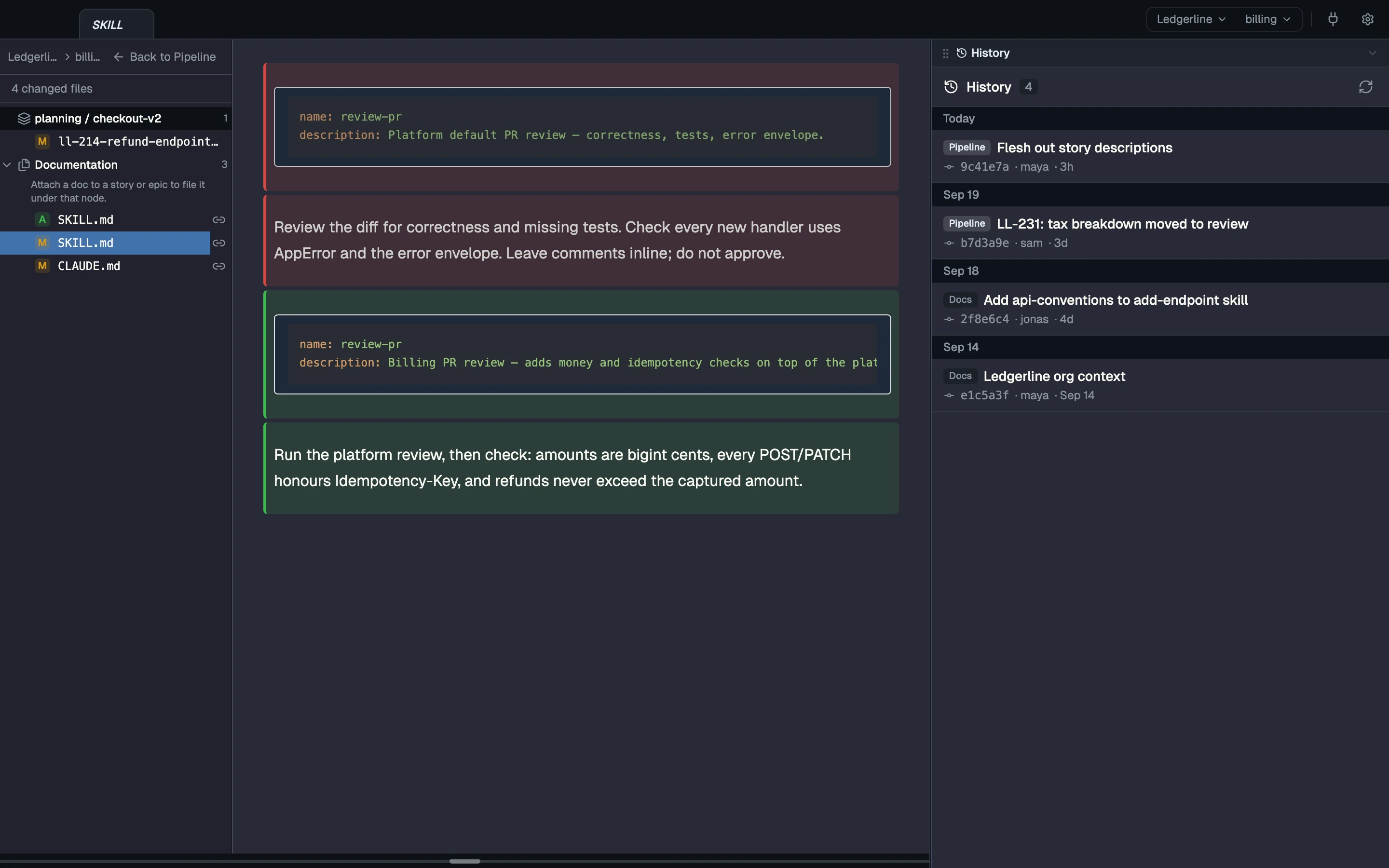
  • Teams form a chain. A team’s context is its own files plus its parent teams’, resolved file by file: the nearest team’s copy of a file wins, and folders merge. Editing an inherited file edits the parent’s; Copy into your team gives you a copy of your own that wins.
  • A skill is a plain file in your team context, and an agent gets it in its worktree at launch like anything you wrote. Copy an example from the CodeSense docs and edit it like any other file.
  • No account is needed to start: try the sample project or attach a local folder. Each engineer connects their own GitHub, Jira and other accounts; tokens are never shared through the workspace.
  • Context lands in the worktrees CodeSense opens and the repos it clones for you, when an agent launches there. A running agent picks up a team change when it calls hydrate_worktree.
  • Your team context is an ordinary git repo. You, or an agent you ask, commit and push a change there, and teammates see it as incoming; CodeSense pulls it for them when it fast-forwards cleanly, or they review the merge.

Coming Not built yet

Read more

Try it on your own repos, with your own agents.